AI Audio
How to Embed an Audio Player on Any Article
Once you have an audio version of an article, the next question is how to actually get a player onto the page. It sounds like it should be trivial, and sometimes it is — but the choice you make here decides how fast the page loads, how the player looks on mobile, and how much […]
Once you have an audio version of an article, the next question is how to actually get a player onto the page. It sounds like it should be trivial, and sometimes it is — but the choice you make here decides how fast the page loads, how the player looks on mobile, and how much work every future article costs you.
This is a practical walkthrough of the options, from the built-in basics to embeds that scale across a whole site.
The four ways to embed audio
The native HTML5 audio tag. Every browser ships with one:
html
<audio controls src="/audio/my-article.mp3"></audio>This is the zero-dependency option. Nothing to install, nothing to load, works everywhere. The trade-offs are that it looks different in every browser, offers no branding, no analytics, and no features beyond play/pause/seek — and the file is served from wherever you point it, which usually means your own host. Fine for one file on one page; limiting for anything more.
Your CMS’s built-in block. WordPress, Ghost, and most modern CMSs have an audio block that wraps the same HTML5 element in slightly nicer clothes. Upload the file to the media library, drop the block in. Same trade-offs as raw HTML5 plus one more: the file now lives in your media library and gets served by your hosting plan, which is exactly where audio starts to hurt page speed at scale.
A third-party embed (iframe or script snippet). This is the SoundCloud/Spotify model applied to article audio: a hosted service serves both the file and the player, and you paste a snippet where you want it to appear. The audio never touches your infrastructure. The trade is dependency on the provider and, with iframes especially, a player that can feel visually bolted-on rather than native to the page.
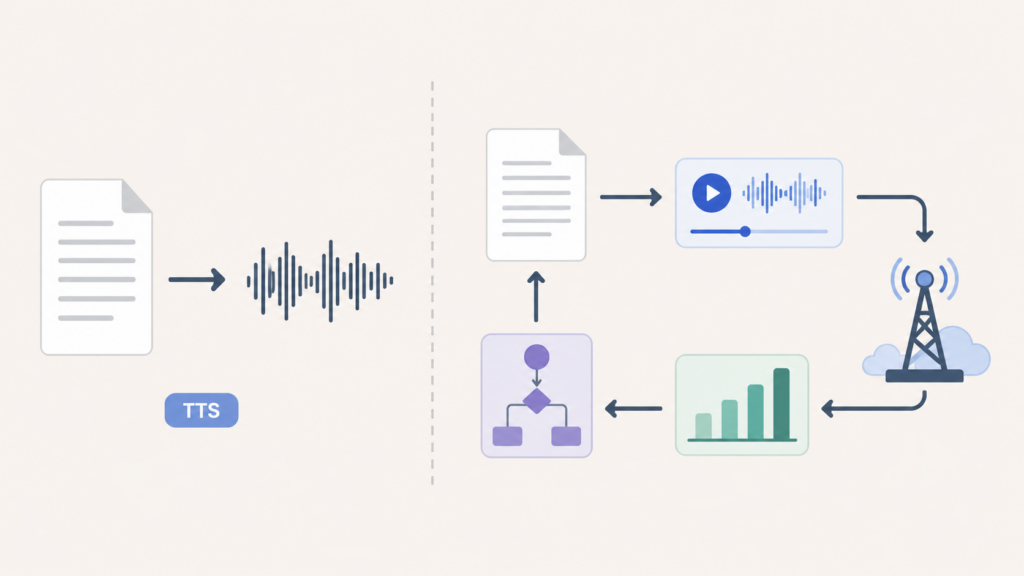
A script-based player tied to your content pipeline. The step beyond a per-article snippet: one script include site-wide (or per template), and the player automatically appears on every article that has audio, matched to the right file. No per-post pasting. This is how audio works when it’s a channel rather than an occasional feature — new article publishes, audio generates, player appears, nobody touches anything.
What separates a good embed from a slow one
Whatever route you take, the same three properties decide whether the player helps or hurts the page.
Where the file is served from. This is the big one. Audio served from your own host competes with your pages for server resources and bandwidth. Audio served from a media CDN doesn’t. If you take nothing else from this post: don’t serve MP3s from the same box that serves your site once you’re past a handful of posts.
When the player loads. A player script that loads eagerly on every page — including pages with no audio — is dead weight in your critical rendering path. A good embed lazy-loads: the page renders fully, then the player initialises. The reader shouldn’t be able to tell the difference, but your Largest Contentful Paint can.
How heavy the player itself is. Player scripts range from a few kilobytes to hundreds. The heavyweight ones bundle features most article audio never uses — playlists, visualisations, social sharing. For a listen-to-this-article player you want something slim: play, seek, speed, maybe a download or transcript toggle, and nothing else riding along.
We built our own AI audio player around exactly these three constraints — CDN-served files, lazy initialisation, and a lightweight footprint — so an embedded player behaves like part of the page rather than a widget sitting on top of it.
Embedding across different setups
A few notes for the common cases.
On WordPress, you can paste embed snippets into a Custom HTML block per post, but at any volume you want a plugin that injects the player automatically based on whether audio exists for the post. That’s one install instead of a per-article chore.
On static sites and custom stacks (Next.js, Astro, Laravel Blade templates, plain HTML), a script-based embed drops into your article template once. The player picks up which audio to load from a data attribute or the page URL, so every article gets it without per-page work.
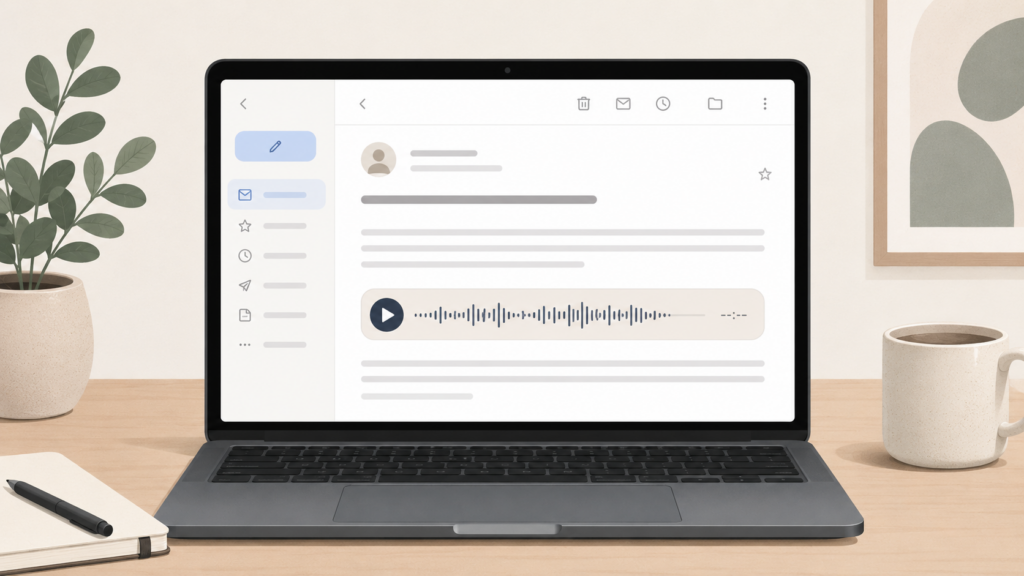
In email newsletters, real embedded playback mostly doesn’t work — almost all email clients strip audio elements and scripts. The standard pattern is a player-shaped image linking to the web version where the real player lives. Anyone promising true in-email audio playback is glossing over how email clients actually behave.
Placement, briefly
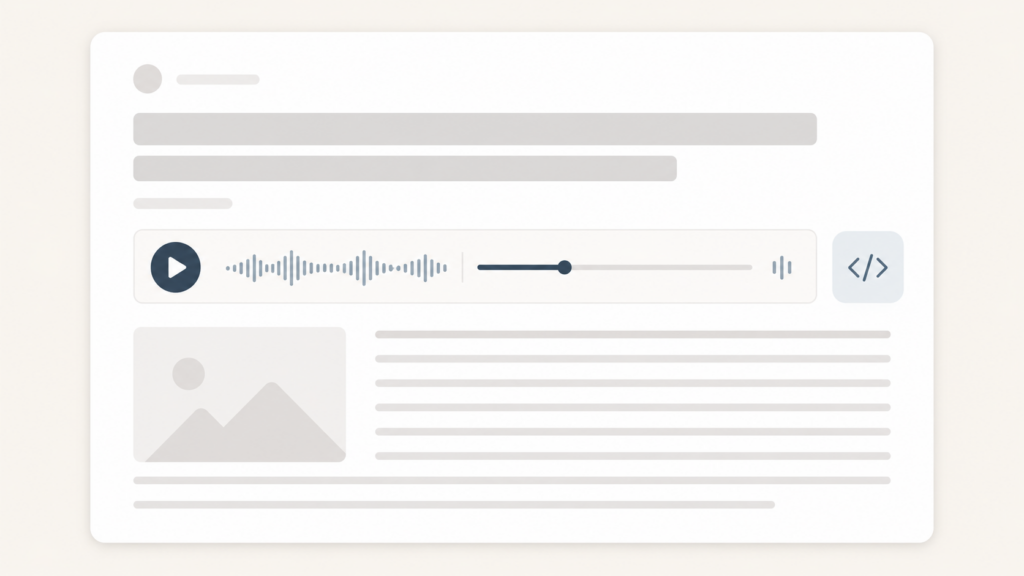
Where the player sits on the page matters more than people expect. The evidence from publishers who track this is consistent: top of the article, directly under the headline or byline, is where players get pressed. A player at the bottom of a post is asking someone to finish reading before deciding to listen — which defeats the point. Put it where the decision to listen actually happens, which is before the reading starts.
The short version
Embedding a player is easy; embedding one that stays fast at scale is a set of three decisions — serve files from a CDN not your host, lazy-load the player, keep the script light. The native HTML5 tag is fine for a one-off, your CMS block is fine until page speed starts to matter, and a pipeline-connected player is what you want once audio is on every article. Get the placement right (top, under the headline) and the rest is just pressing publish.
FAQ