AI Audio
How to add audio to a WordPress blog (without slowing it down)
Adding an audio version of your posts is one of those features that sounds simple and then quietly tanks your page speed if you do it the obvious way. You install a plugin, it injects a player and a chunk of JavaScript into every page, the audio files are huge and served straight off your […]
Adding an audio version of your posts is one of those features that sounds simple and then quietly tanks your page speed if you do it the obvious way. You install a plugin, it injects a player and a chunk of JavaScript into every page, the audio files are huge and served straight off your host, and suddenly your Core Web Vitals look worse than they did last month.
The good news is that audio doesn’t have to cost you speed. The slowdown comes from how the audio is added, not from the audio itself. Get the setup right and a reader can press play on a post without the page taking any meaningful hit at all.
Here’s how to think about it, what the real options are, and where the performance traps hide.
Why audio plugins slow sites down
Before picking a tool, it helps to know what actually causes the lag, because most of the popular advice treats “audio” as the problem when it’s usually one of these four things.
The first is generating audio on the fly. Some setups create the spoken version the moment a reader clicks play, or worse, on page load. Text-to-speech takes a few seconds to render, so the reader either waits or the server does extra work on every visit. There’s no reason to pay that cost more than once.
The second is serving big files off your own host. Audio files are large compared to text and images. If they sit on the same server as your site and get streamed from there, every play competes with everything else your host is doing, and a few simultaneous listeners can drag the whole site down.
The third is heavy player scripts. A lot of audio plugins ship a bulky JavaScript player that loads on every single page, including the ones with no audio on them. That’s render-blocking weight your readers download for nothing.
The fourth is no lazy loading. The player and its assets load immediately, competing with the things a reader actually needs first, like the text and the main image, instead of waiting until they’re needed.
None of these are inherent to having audio. They’re just common defaults. Avoid all four and the performance cost basically disappears.
The three ways to add audio in WordPress
There are really three approaches, and they trade off effort against quality and speed in different ways.
Manual upload. You record or generate audio yourself, upload the MP3 to your media library, and drop WordPress’s built-in audio block into the post. This is free and has no extra plugin overhead, which is nice for speed. The catch is that it’s entirely manual, the files sit on your host unless you move them, and you’re on the hook for producing every clip yourself. Fine for a handful of posts, painful at any real volume.
A text-to-speech plugin. A plugin converts your post text to a spoken version automatically. This solves the production problem, which is the main reason people want one. The quality and the performance vary enormously between tools, though. The cheap ones use robotic voices and bolt on a heavy player; the good ones use natural voices, pre-generate the audio, and stay light. The plugin is where most of the speed difference lives, so it’s worth being picky.
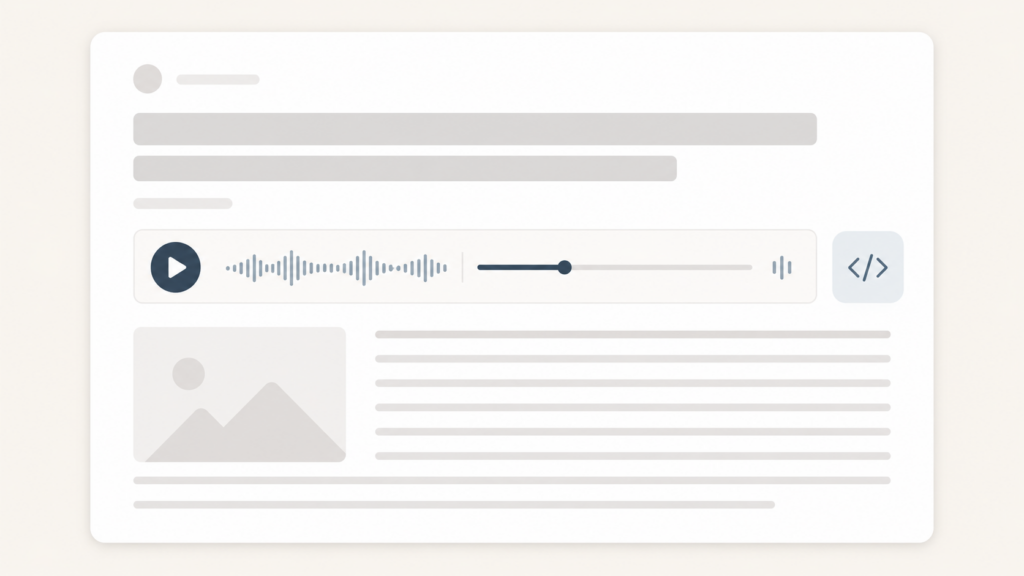
A hosted audio service with an embed. The audio is generated and stored on someone else’s infrastructure, and your site just embeds a lightweight player that points at it. Your host never stores or streams the files, so the performance cost to your site is minimal. This is usually the fastest option for a content site, because the heavy lifting happens off your server entirely. The trade is that you’re relying on a third party and usually paying for it.
For a blog publishing regularly, the second or third option is what scales. Manual upload is a fine way to test whether your readers want audio at all before committing to anything.
How to keep it fast, whichever route you pick
The setup matters more than the tool. Whatever you use, these are the things that keep audio from costing you speed.
Generate the audio once and cache it. The spoken version of a published post doesn’t change, so it should be created a single time when you publish or update the post, then stored and reused. No reader should ever trigger a fresh generation.
Serve the files from a CDN or off-site storage, not your own host. This keeps audio traffic off your server so it doesn’t compete with page loads. A good hosted plugin does this for you by default.
Lazy-load the player. The audio player should load when it’s actually needed, not block the rest of the page from rendering. Your text and main image should win the race every time.
Load the player script only where there’s audio. A post with no audio shouldn’t be downloading an audio player. Lightweight, well-built plugins scope their scripts to the pages that need them.
If you want the version of all this that’s already configured for speed, that’s essentially the job our WordPress audio plugin does: it pre-generates the audio, hosts the files off your server, and ships a light player so the page stays fast.
A quick way to test the impact
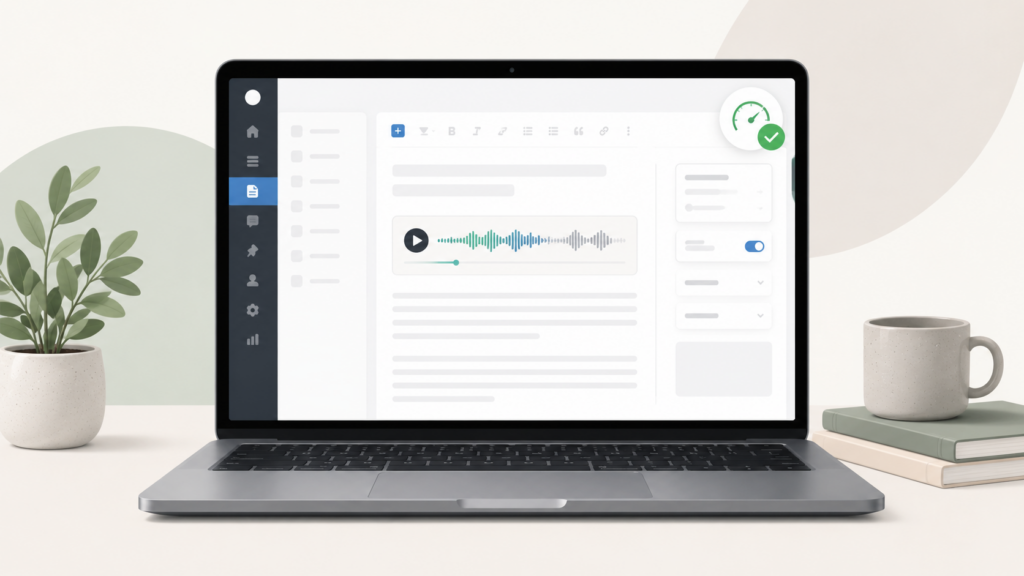
Before and after you add audio, run a post through PageSpeed Insights or the speed tool of your choice and note the numbers, especially Largest Contentful Paint and total blocking time. Then add audio to that one post and run it again.
If the numbers barely move, your setup is fine. If they jump, one of the four traps above is in play, and it’s almost always the second or third one: files served off your host, or a heavy player script loading where it shouldn’t. Fix that one thing and re-test rather than ripping the whole setup out.
The short version
Audio and speed aren’t actually in tension. The slowdown people blame on audio is really about generating files on demand, serving them off an overloaded host, and loading a heavy player on every page. Pre-generate once, host the files off your server, lazy-load a light player, and a reader can listen to your post without the page paying for it. Pick the tool that does those things by default and you mostly stop having to think about it. If you’d rather not assemble that yourself, a purpose-built audio plugin for WordPress handles the speed parts for you.
FAQ