Guides
What Makes an Embedded Audio Player Feel Native to an Article
An embedded audio player should feel like part of the article, not an advert for a separate product. That distinction matters because readers decide in seconds whether a feature belongs in the page or interrupts it. If the player is too loud, too technical, or too detached from the article design, many users will ignore it.
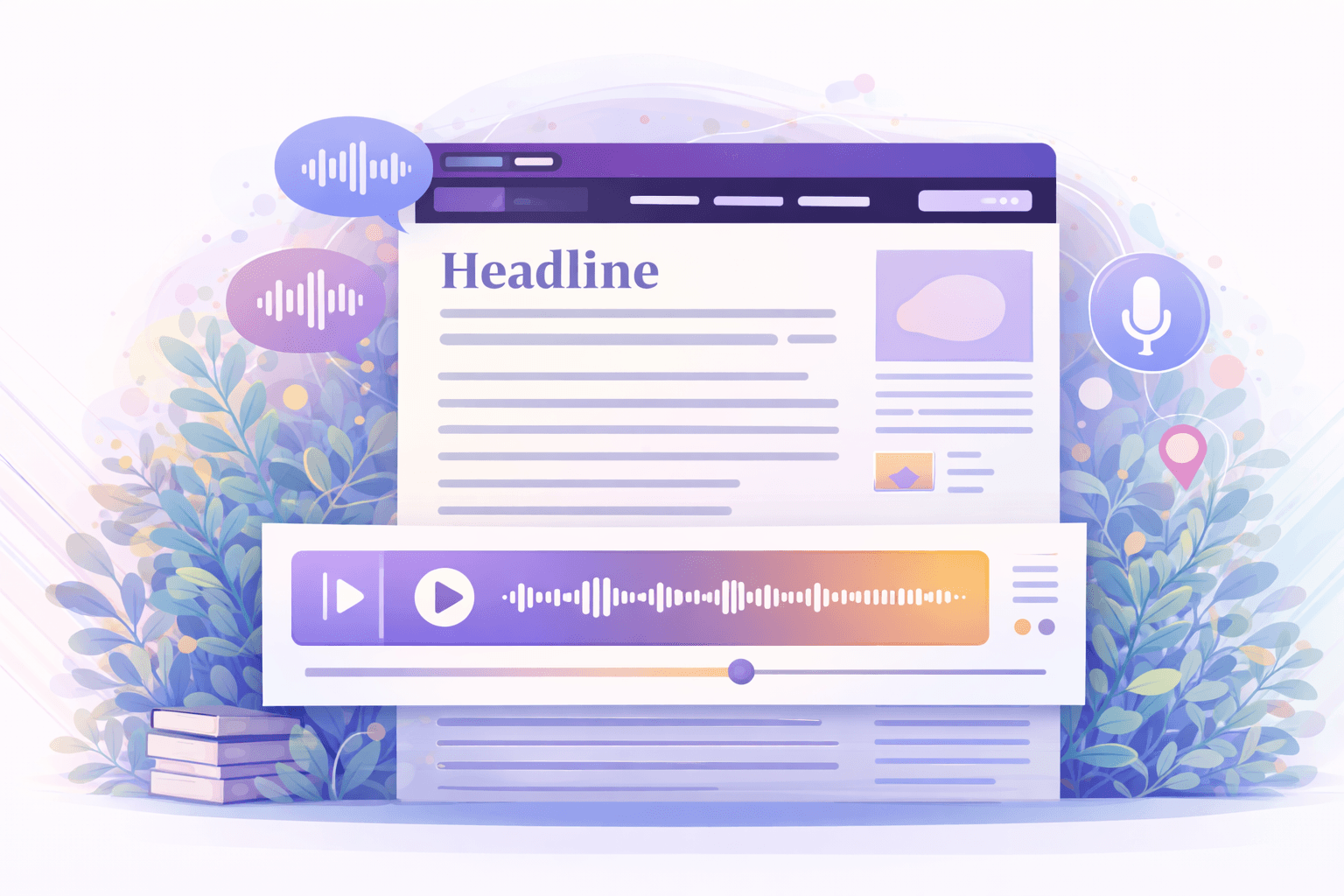
A native-feeling player supports the rhythm of reading. It offers audio as a useful option without demanding attention. That balance is what makes the feature feel premium rather than bolted on.
Placement and hierarchy matter first
The best place for an article audio player is usually near the top of the page, after the title and metadata but before the main body becomes dense. That position allows users to discover the feature early without losing the context of the article.
Visual hierarchy also matters. The player should be visible enough to invite use, but not so dominant that it competes with the headline. Calm typography, sensible spacing, and restrained controls tend to perform better than oversized media treatments borrowed from music apps.
Controls should match reading behaviour
Readers do not use article audio in the same way they use streaming audio. They need practical controls, not entertainment-first complexity. Play and pause are essential. Speed control is highly useful. Rewind supports review. A visible progress state helps users understand their position.
When voice switching is offered, it should feel intentional and not clutter the core control row. The experience should remain editorial and focused. The point is to make the article easier to consume, not to create a novelty player with too many distractions.
Design trust is part of functionality
A player is a trust surface. If it looks messy, users may assume the audio quality is unreliable. If it clashes with the page design, they may treat it as a third-party widget rather than part of the publishing experience. That is why visual polish matters.
A strong player uses clean spacing, clear progress feedback, readable timings, and a style that fits the publication. It should feel quiet, capable, and familiar. Those qualities influence adoption more than many teams expect.
What to pair with the player
The player becomes much stronger when supported by adjacent features. A short summary can help the user decide whether to listen. A transcript can help them jump between text and speech. Metadata such as estimated listening time can make the experience feel more purposeful.
These additions turn the player into part of a broader reading system. Instead of a single control bar dropped into the page, it becomes the centre of a useful content experience.
Conclusion
An embedded audio player feels native to an article when it respects the article. It fits the page hierarchy, supports reading behaviour, and looks like it belongs there.
Publishers that get this right do more than add playback. They create a second mode of content consumption that feels trustworthy, calm, and worth using.