Guides
How to Build a Scalable Content-to-Audio Workflow
A content-to-audio workflow should not depend on manual heroics. If every article needs individual formatting, repeated checks, and ad hoc decisions before audio can go live, the process will break as volume increases. Scale comes from consistency. That means clear triggers, predictable defaults, and lightweight control points where human review adds real value.
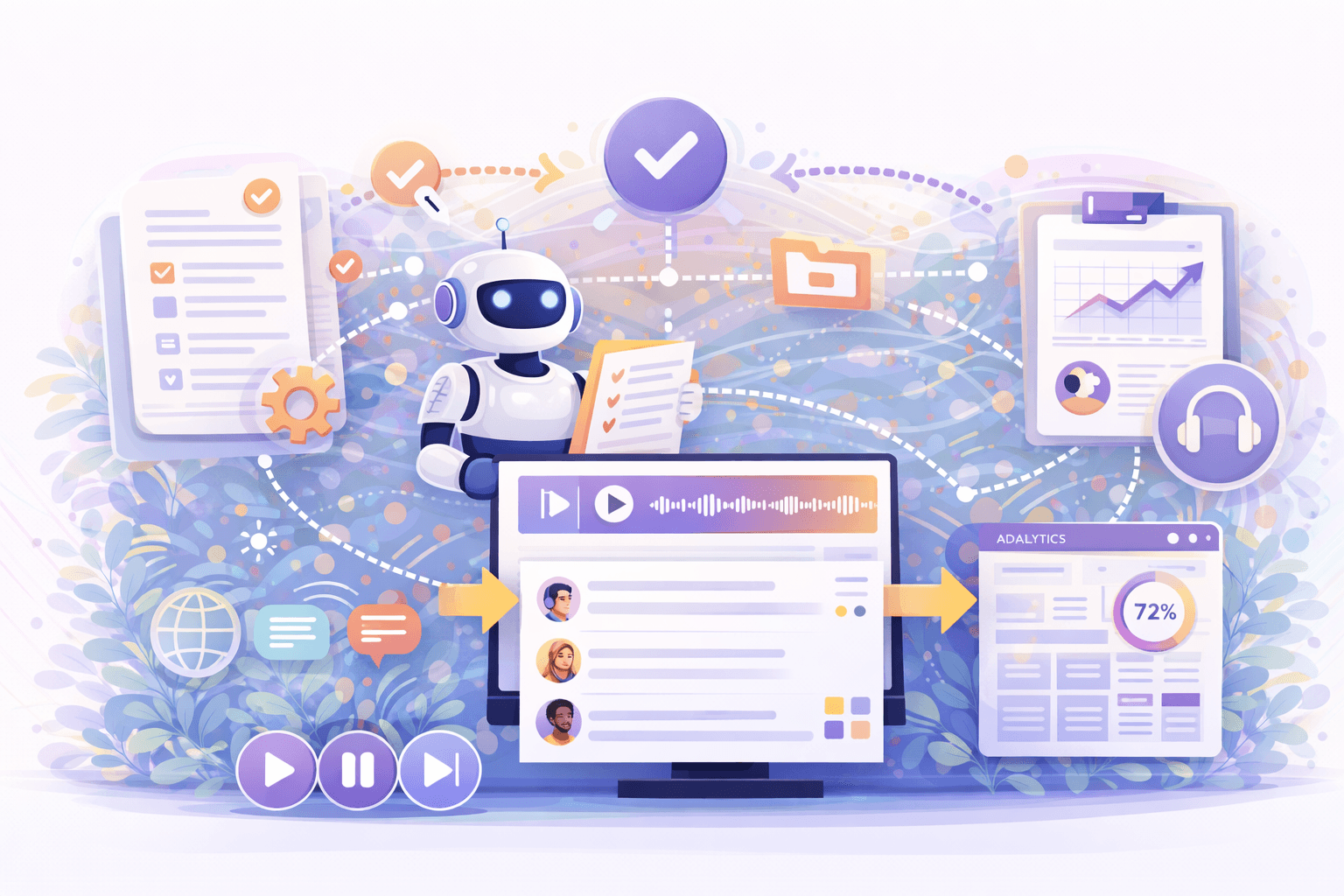
The best workflows treat audio as part of publishing operations, not as a separate craft project that happens after the main work is done.
Start with clear generation rules
Scalable systems need rules. Teams should decide which content types are eligible for audio, when generation happens, what defaults are used for voice and language, and what metadata travels with each output. These rules prevent unnecessary friction and make behaviour more predictable across the site.
A simple rule set also helps support teams and editors. When users know why one article has audio and another does not, the product feels intentional rather than inconsistent.
Build review points where they matter most
Not every audio file needs the same level of review. A highly automated workflow can still include focused quality control at the points that matter most, such as voice selection, article category exceptions, legal sensitivity, or major updates to published content.
This approach preserves scale while reducing risk. The review layer becomes targeted rather than universal, which is much easier to maintain as usage grows.
Keep article, audio, and analytics connected
The workflow becomes far more useful when every audio output stays connected to its source article. That connection should include title, slug, publication status, voice settings, language versions, and analytics identifiers.
Without this structure, teams end up with orphaned files, inconsistent metrics, and confusion around what is live. With it, they gain a manageable system that supports updates, reporting, and future integrations.
Design for regeneration and iteration
Content changes. Articles are corrected, expanded, translated, or republished. A scalable workflow must therefore handle regeneration cleanly. Teams need a clear way to regenerate audio, update transcripts, preserve reporting accuracy, and avoid confusion about which version is currently active.
This is particularly important for fast-moving publications and multilingual content. A workflow that only handles first-time generation is not really scalable. It has to support change over time.
Conclusion
A scalable content-to-audio workflow is defined by clarity, consistency, and low-friction operations. The goal is not just to generate speech, but to create a repeatable system that fits publishing teams as content volume grows.
When article, audio, review, and analytics are connected in one workflow, audio becomes much easier to scale as a product and as a publishing channel.